Adobe Premiere Pro
Creator RecommendationVideo editing software from Adobe.
Official websiteCreator Hub Creator Tools - Software
Find the software that helps you create better content, work smarter and grow your creator business. Explore the tools creators recommend.
01
Edit videos, reels, shorts and long-form content.
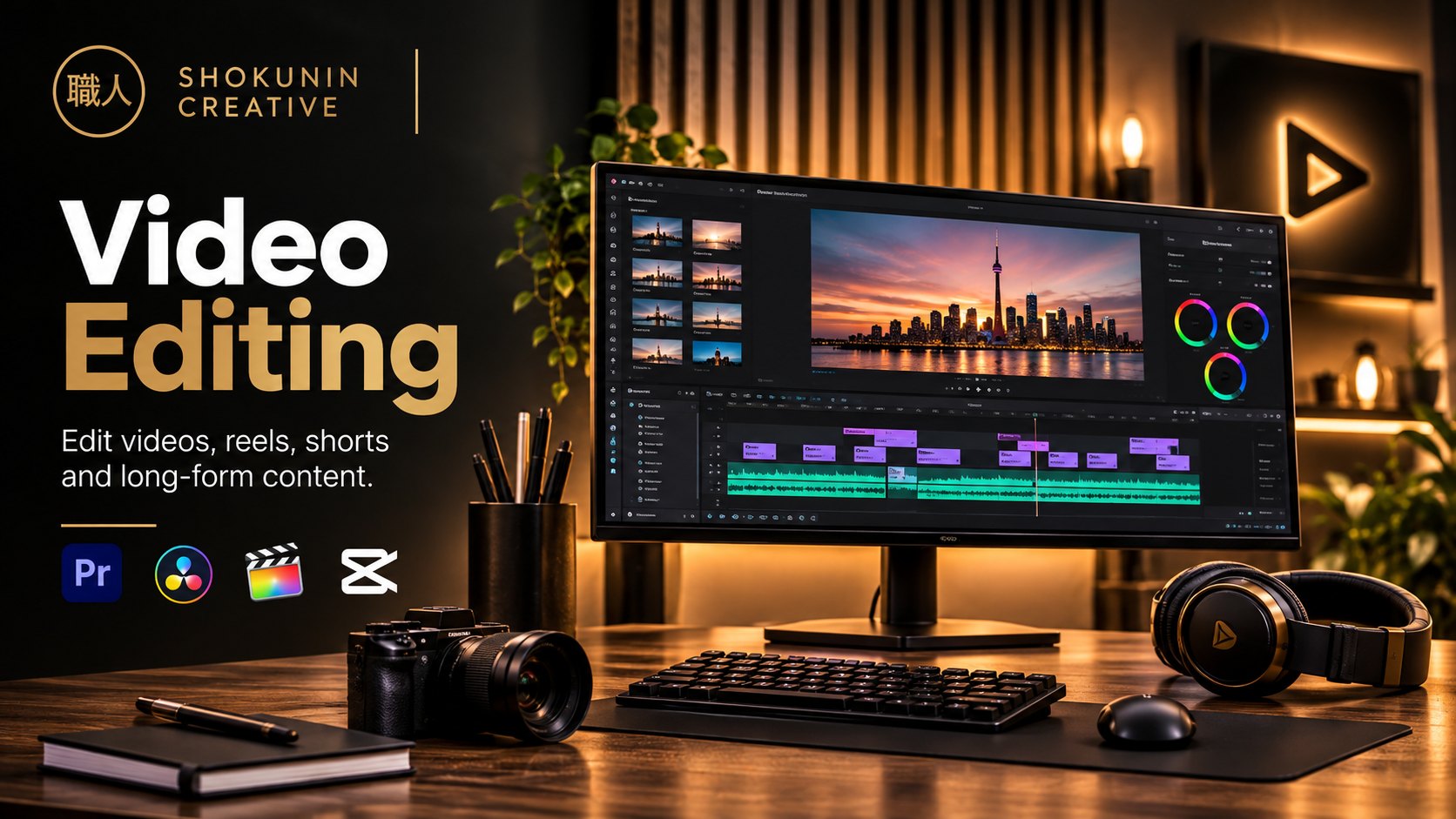
Video editing software from Adobe.
Official websiteVideo editing and colour grading software from Blackmagic Design.
Official websiteVideo editing software from Apple.
Official websiteVideo editing app for short-form and social content.
Official website02
Edit photographs, create thumbnails, design graphics and produce visual content.
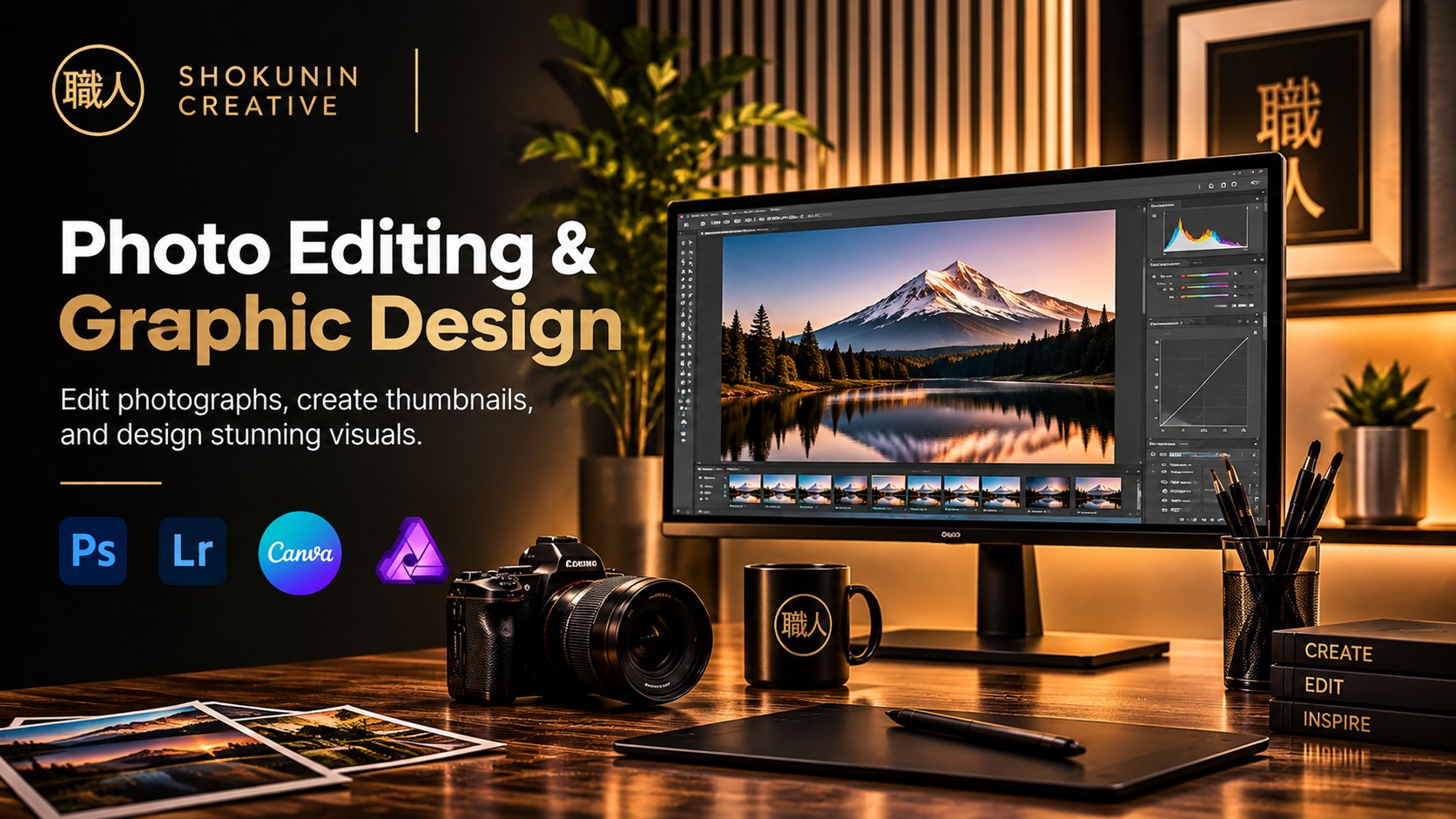
Image editing software from Adobe.
Official websitePhoto editing and organising software from Adobe.
Official websiteOnline design tool for graphics and visual content.
Official websitePhoto editing, design and layout software.
Official website03
Use artificial intelligence for writing, research, image generation, video generation, voiceovers and productivity.
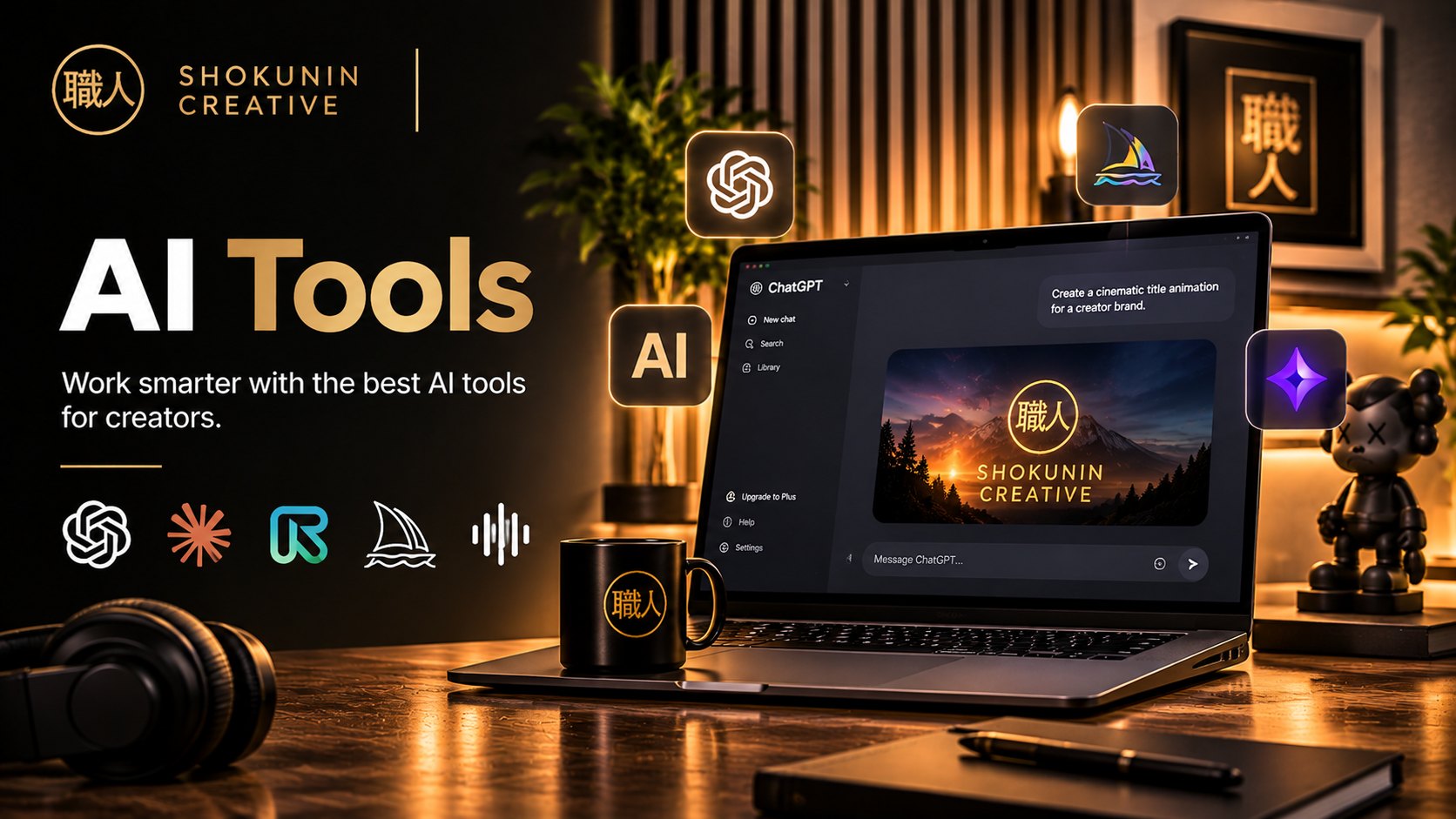
AI assistant from OpenAI.
Official websiteAI assistant from Anthropic.
Official websiteAI tools for generating and editing video.
Official websiteAI image generation tool.
Official websiteAI voice generation tool.
Official website04
Record, edit and enhance audio, podcasts and voiceovers.
Open-source audio editor.
Official websiteAudio editing software from Adobe.
Official websiteAudio and video editor that works from a transcript.
Official websiteMusic and audio creation app from Apple.
Official website05
Create automatic subtitles, translations, transcripts and accessible content.
AI captions tool for short-form video.
Official websiteAI video and captions app.
Official websiteOnline video editor with subtitle tools.
Official websiteAudio and video editor that works from a transcript.
Official website07
Understand your audience, track engagement, monitor growth and measure content performance.
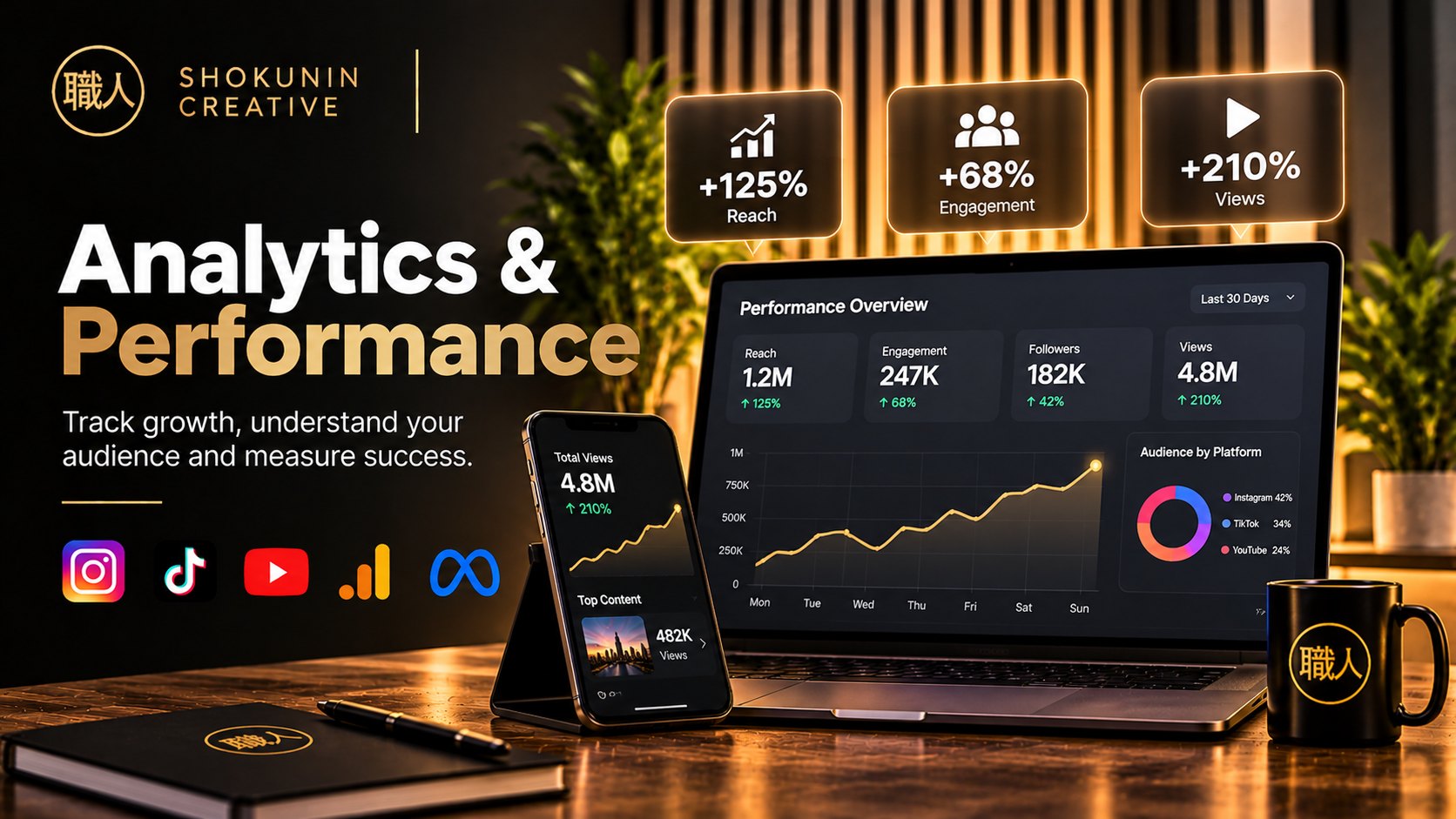
Figures in this graphic are illustrative, not real results.
Social media scheduling and analytics tool.
Official websiteSocial media analytics tool.
Official websiteAnalytics built into Instagram.
Official websiteAnalytics built into TikTok.
Official websiteAnalytics built into YouTube Studio.
Official website08
Stream live, record tutorials, create interviews and capture screen content.
Open-source streaming and recording software.
Official websiteLive streaming software.
Official websiteRemote recording for podcasts and interviews.
Official websiteScreen and video recording tool.
Official website09
Store, organise, back up and share content with brands, clients and collaborators.
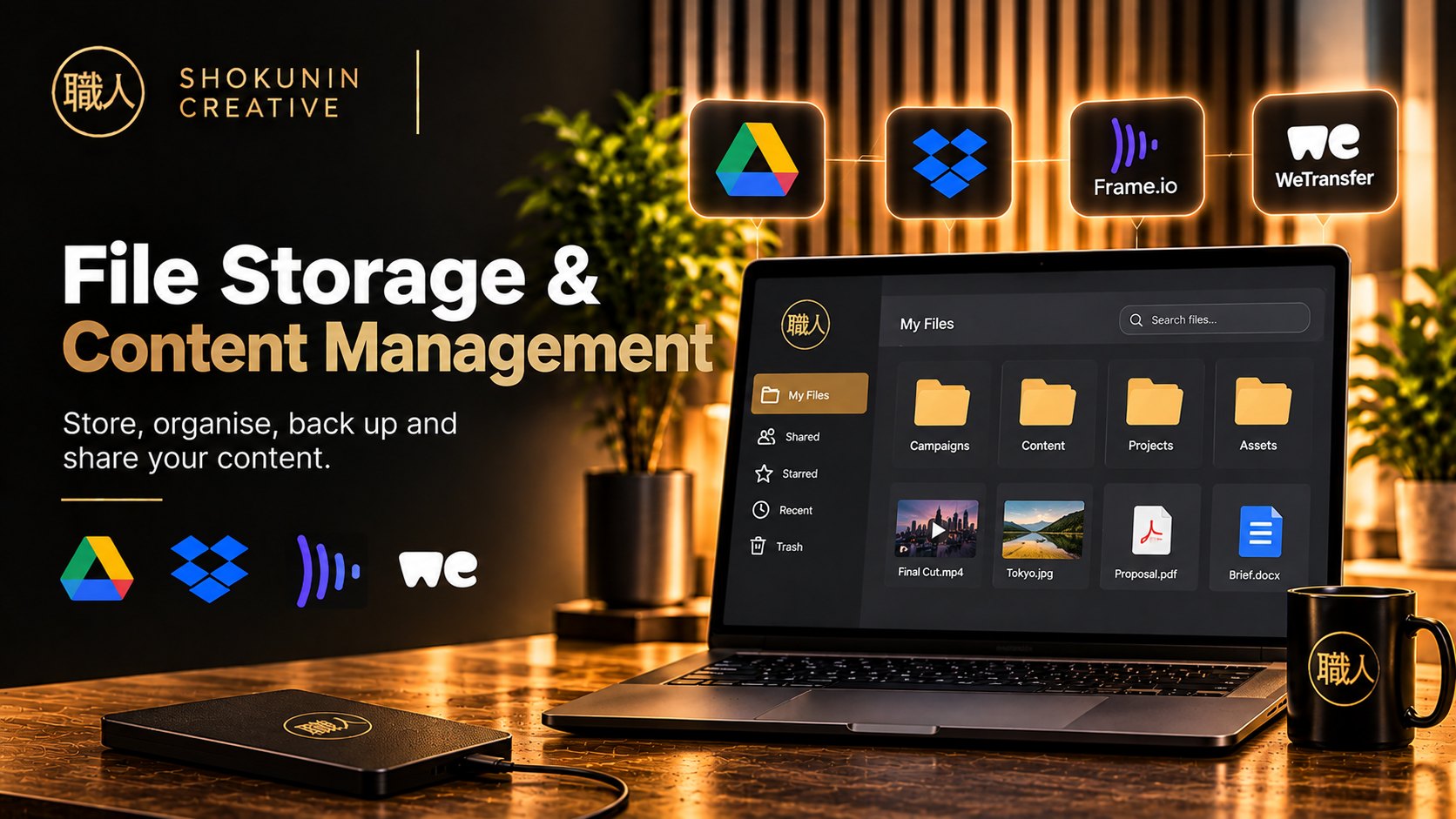
Cloud file storage from Google.
Official websiteCloud file storage and sharing.
Official websiteVideo review and collaboration tool.
Official websiteFile transfer service.
Official website10
Discover music, sound effects, stock footage, templates and creative assets for your content.
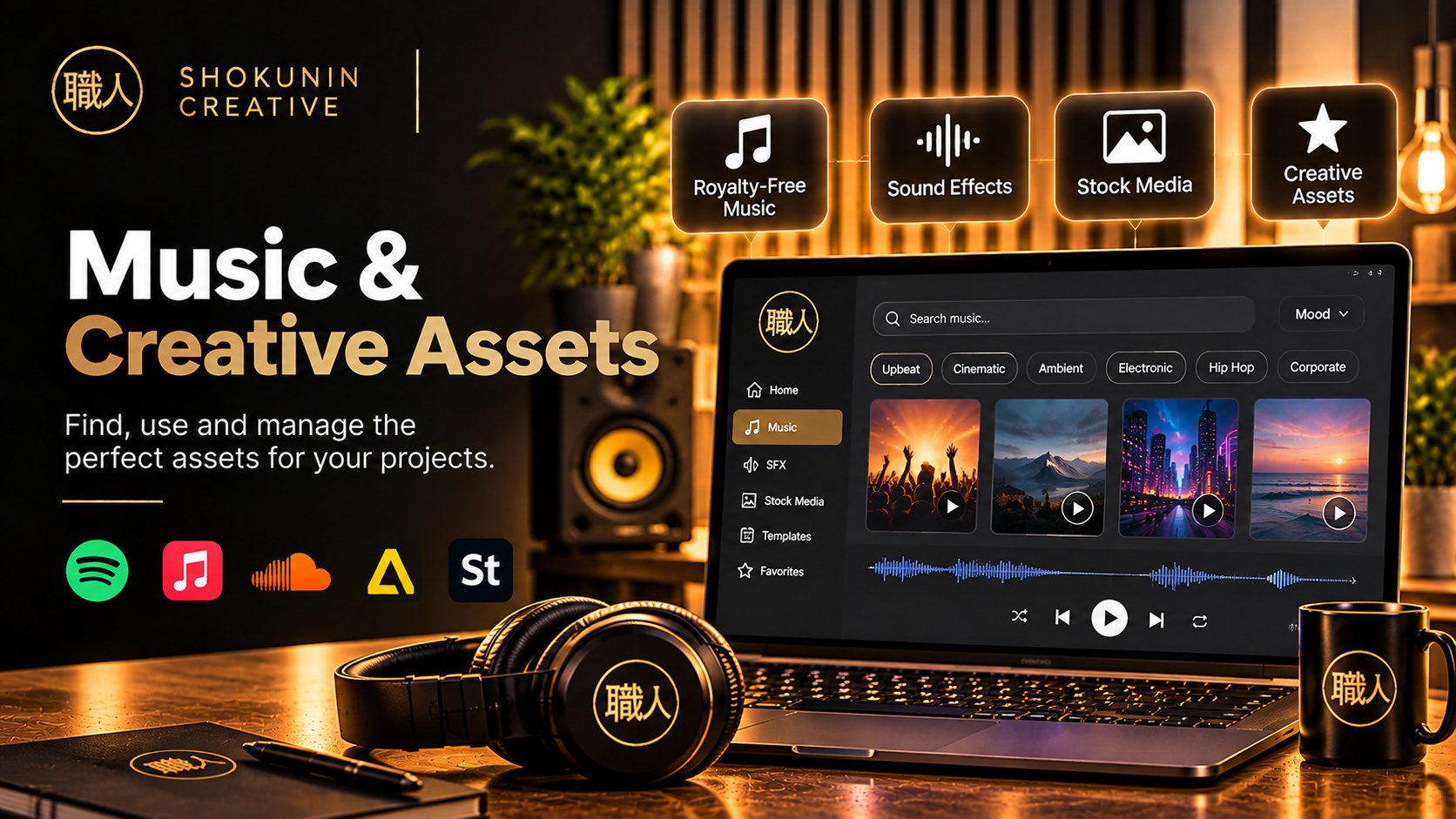
Music and sound effects for creators.
Official websiteMusic, footage and creative assets.
Official websiteSubscription library of creative assets.
Official websiteVideo templates, stock and creative assets.
Official websiteWant to sponsor a category? Get in touch
06
Social Media Scheduling & Publishing
Plan, schedule and publish content across multiple social media platforms.
Later
Creator RecommendationSocial media scheduling tool.
Official website ↗Buffer
Creator RecommendationSocial media scheduling and publishing tool.
Official website ↗Hootsuite
Creator RecommendationSocial media management platform.
Official website ↗Metricool
Creator RecommendationSocial media scheduling and analytics tool.
Official website ↗